


A XenPool product
ip·Solis – IT asset management built from operations practice
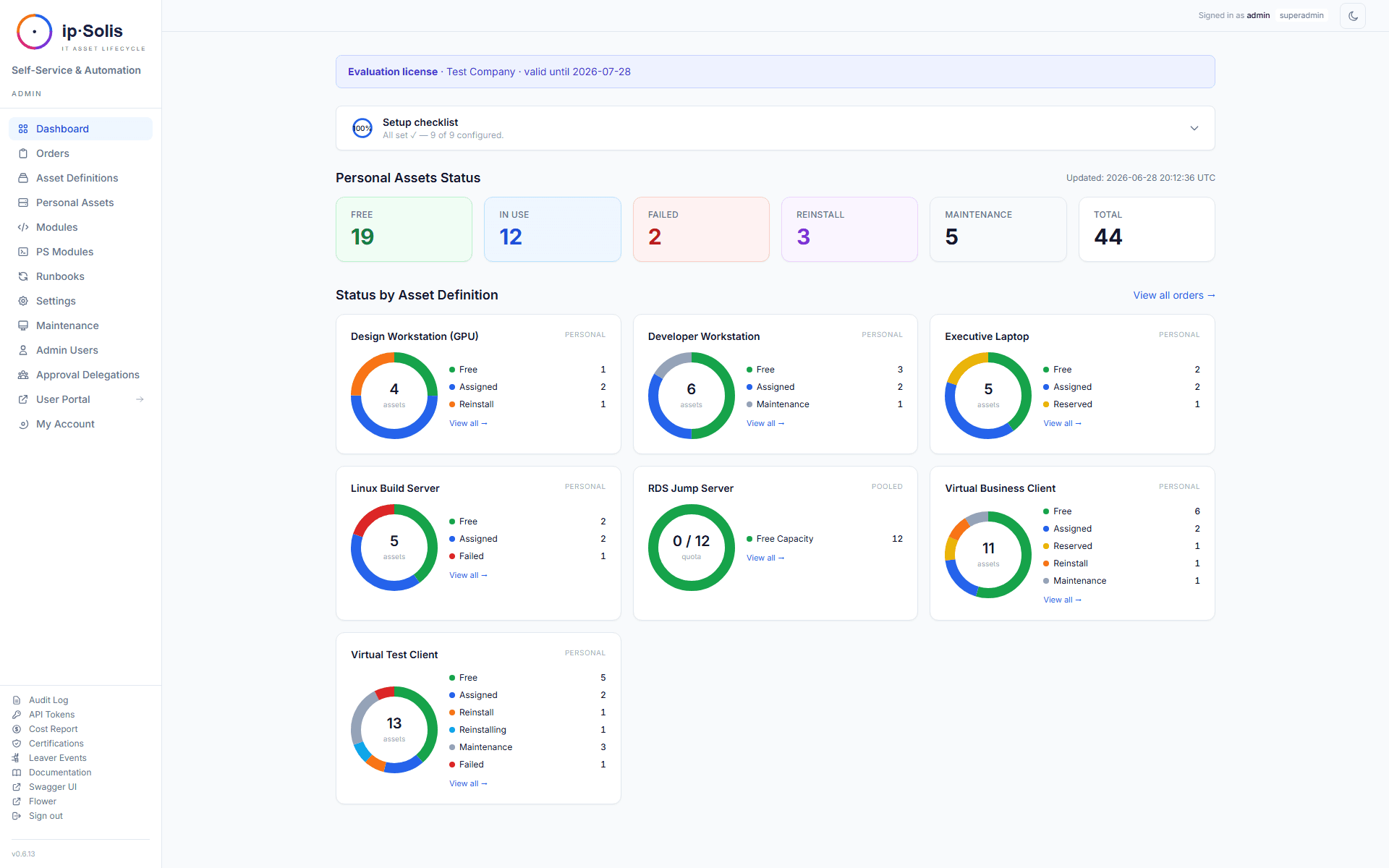
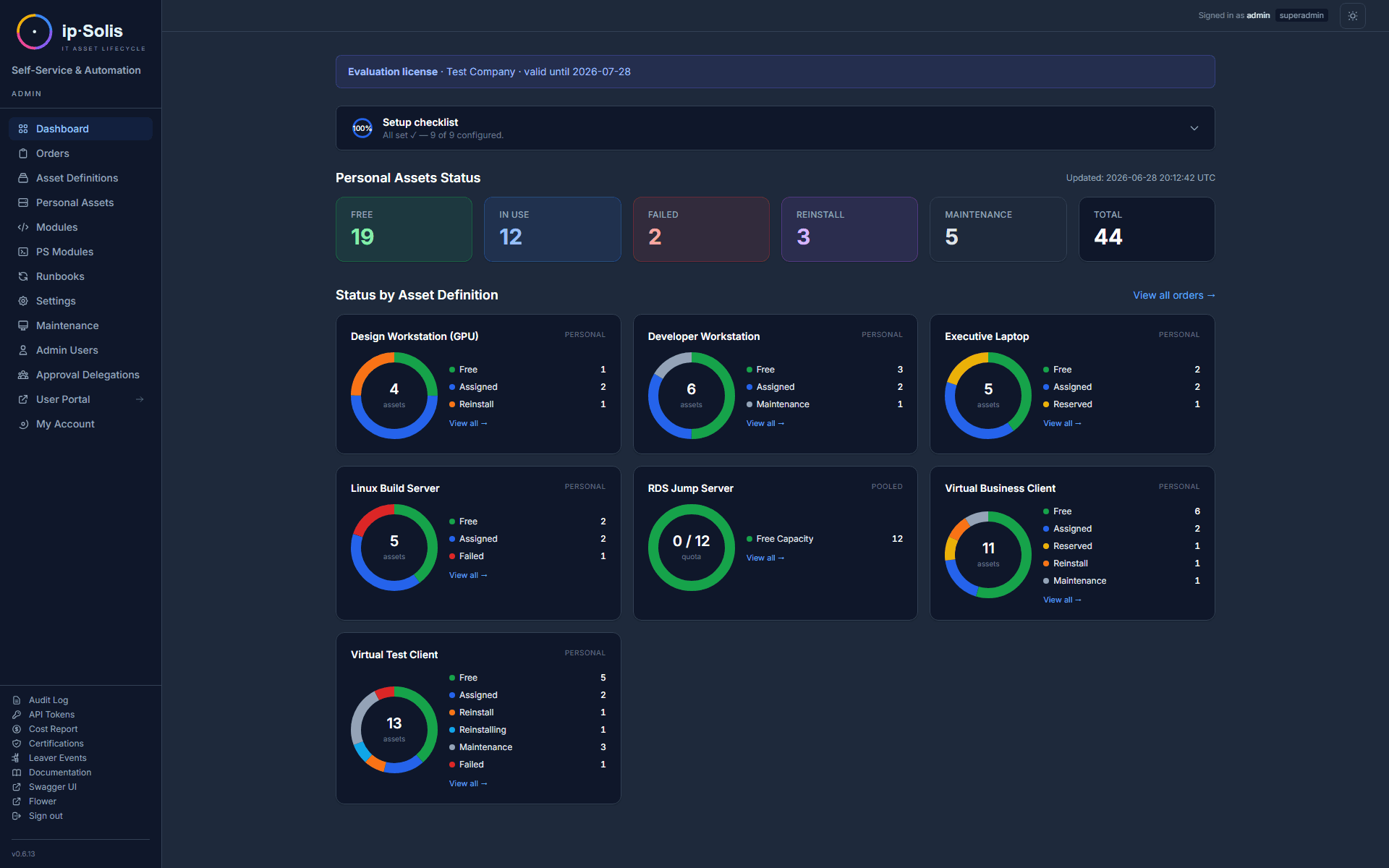
ip·Solis grew out of our VDI and operations projects: employees request IT resources themselves, managers approve with one click, your own scripts do the provisioning – and when someone leaves, everything is revoked again. It runs on-premises in your environment, and we roll it out with you.
Why we built ip·Solis
The same work comes up in every VDI and infrastructure project: someone needs a virtual desktop, a mailbox, a file share or access to an application. What follows is a ticket, a round of questions, an approval by email and a script that someone runs by hand. When the person leaves, all of it has to be collected again – and that is exactly the step that tends to slip.
ip·Solis turns this into a fixed process. The actual work is done by the PowerShell scripts IT teams write anyway; ip·Solis runs them itself and handles group memberships without any script at all. You don’t need a separate automation platform for it.
Who it is for
IT operations, workplace and IAM teams who are done with ticket ping-pong for routine provisioning – and organisations whose data has to stay on their own network, for GDPR or industry reasons.
One lifecycle for every asset
Virtual desktop, mailbox or SaaS seat: every asset passes through the same four stages, and each stage is logged – who triggered what, and when.
Request
Employees request IT resources
Approve
Managers confirm with one click
Provision
Automated provisioning in minutes
Decommission
Revoked and returned when people leave
What ip·Solis does, in short
The full description lives on the product website. Here are the essentials in four points:
Core features
A self-service portal for employees, assets assigned personally or from a pool with quota and expiry, scheduled runbooks, cost reports per cost centre, access recertification campaigns and an audit log that cannot be altered after the fact.
All features (opens ipsolis.com)How it works
You describe an asset once, employees request what they are entitled to, and runbooks carry it out. Joiners, movers and leavers are handled automatically via SCIM 2.0 or your HR feed.
Architecture and flow (opens ipsolis.com)Integrations
Active Directory, Entra ID, SCCM, XenServer/XCP-ng and VMware vSphere; sign-in through any OIDC provider; approvals by email, Microsoft Teams or Slack; inbound webhooks, for example from ServiceNow.
All integrations (opens ipsolis.com)Security and operations
ip·Solis is self-hosted in your infrastructure and sends no telemetry to XenPool. Least-privilege roles, scoped API tokens, and credentials pulled from an external vault such as HashiCorp Vault or Azure Key Vault if you want.
Security model (opens ipsolis.com)
How ip·Solis fits our services
ip·Solis is our product; rolling it out and running it is our service. If you implement it with us, one person is your contact for both.
Rollout
We define your first assets and approval paths with you and get ip·Solis running in your environment.
Integration
Active Directory, Entra ID and your existing systems – including the PowerShell runbooks that provision and revoke in your environment.
Operations
If you like, we stay on for day-to-day operations, extend runbooks and add further assets.
Want to try ip·Solis in your environment?
Request a trial licence – or talk to us about the rollout.